Yes, Skins.com is a legit CS2 marketplace, and we put 5 euros of our own money through it to prove it. We signed up, deposited, bought a skin, sold one, talked to support and poked around Skins Pro. The headline pitch is 0% fees on peer-to-peer trades, which sounds too good for a new site. So we tested where the catch actually is. Here is everything we found, including the one thing the community keeps warning about.
TL;DR
- Skins.com is a real, working marketplace. We bought and sold skins without getting scammed.
- The 0% fee is real on P2P, but the site earns on the spread when you instant-sell to its bots.
- The 7 day trade hold is a Steam rule, not a Skins.com trick. It hits almost every marketplace.
- Minimum withdrawal for Litecoin is 5 dollars, the catalog is small, and float data is missing on a lot of skins.
- Our verdict: 3.7 out of 5. The cheapest case we found and competitive prices on cheap skins, but CSFloat is still the safer pick.
What Is Skins.com
Skins.com is a third-party marketplace for buying and selling Counter-Strike 2 skins. It launched in April 2025 and is run by 99 HP Tech Limited, a company registered in Hong Kong. It is not a gambling or case-opening site. You log in with Steam, fund a balance, and either buy listed skins or sell your own.
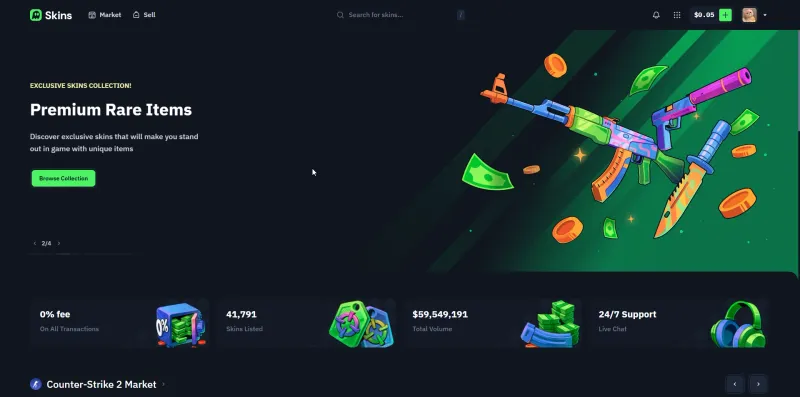
The selling point plastered across the homepage is 0% fees plus a big catalog. During our test the site showed roughly 41,791 skins listed and around 59.5 million dollars in total volume. For a marketplace barely a year old, that is real traction.
 Click to enlarge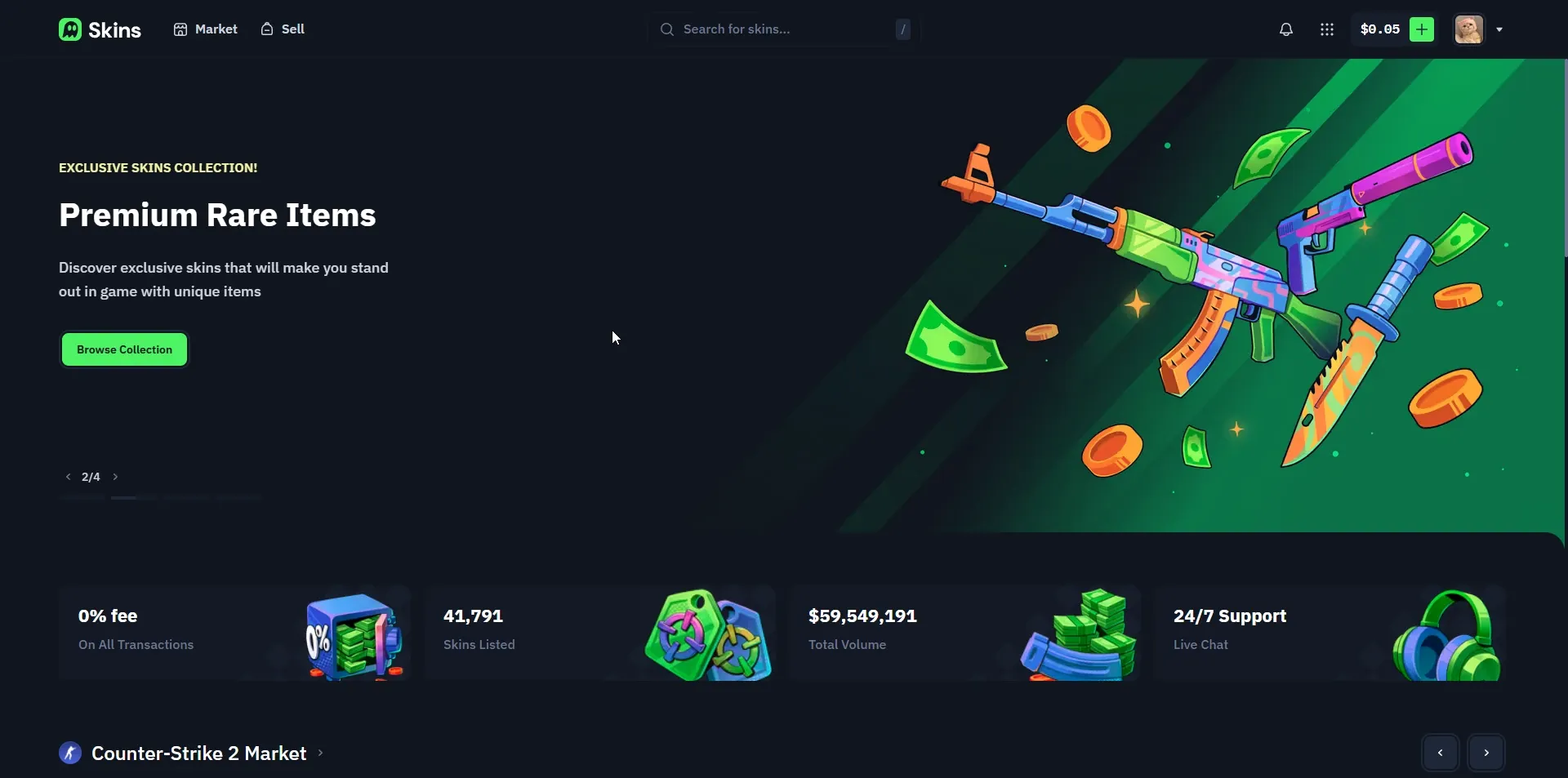
The domain itself is worth knowing about up front. According to users on Reddit, Skins.com paid around 1.2 million dollars for the name. That is the kind of money a scammer rarely sinks into a brand before disappearing, and it is part of why we gave the site a fair shake instead of writing it off.
How Does Skins.com Work
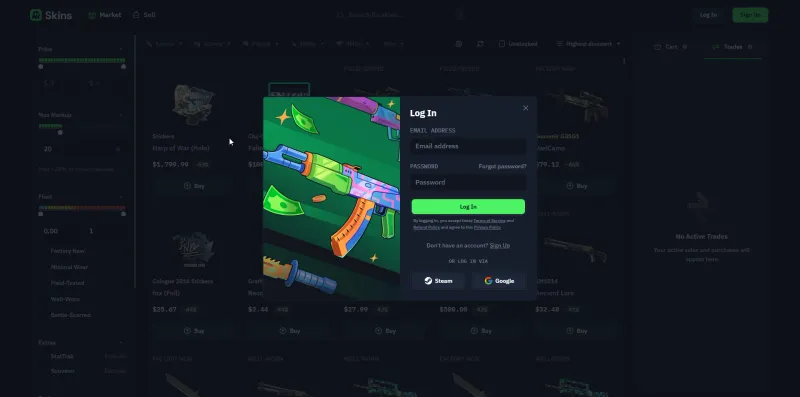
Login is the standard Steam OAuth flow, with a Google option as well. No password handed over, no Steam credentials typed into the site.
 Click to enlarge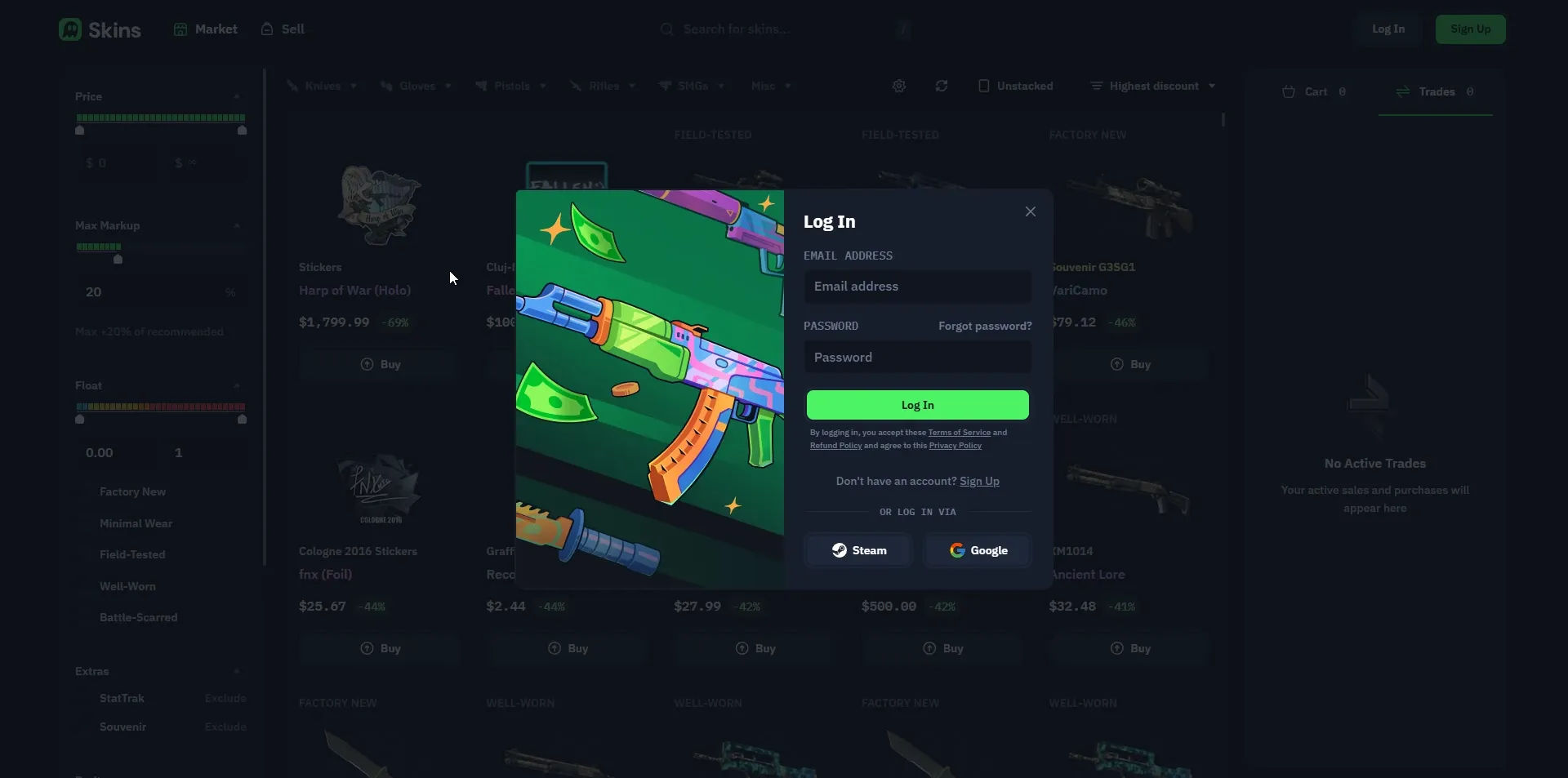
From there it splits two ways:
- For buyers: you browse listings, pay from your balance, and a Skins.com bot sends you a Steam trade offer.
- For sellers: you either list a skin on the P2P market at your own price, or instant-sell it to a site bot for a quote you accept on the spot.
That is the whole platform. In our testing there was no case opening, no upgrader, and no player-to-player trading of items for items. Just buy and sell. If you are coming from a site that bolts gambling features onto the marketplace, this is refreshingly plain. The design is just as plain. Our tester called the site a carbon copy of every other trading site, with a landing page much like Skinport’s, though search autocompletes and the float slider is color-coded by wear.
Depositing Money
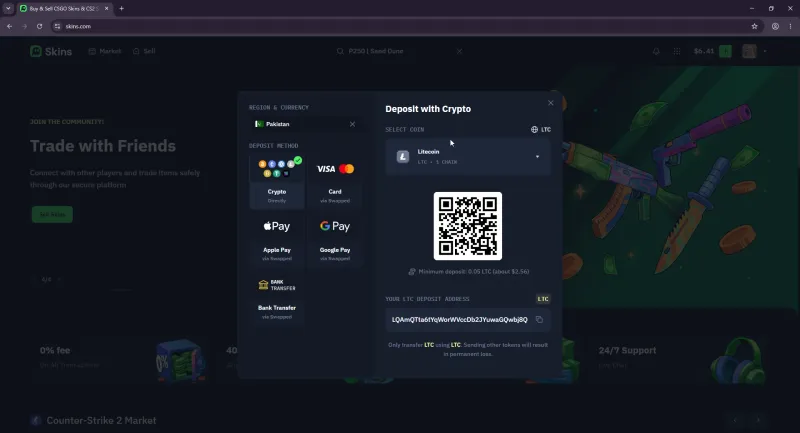
We funded the account to run a real purchase. Payment options were broader than some older reviews claim. You can deposit directly with crypto (LTC, USDT, USDC, BTC, ETH, BNB, SOL, TRX and POL) or with Visa, Mastercard, Apple Pay, Google Pay and bank transfer. The card and bank routes run through a payment processor called Swapped.
 Click to enlarge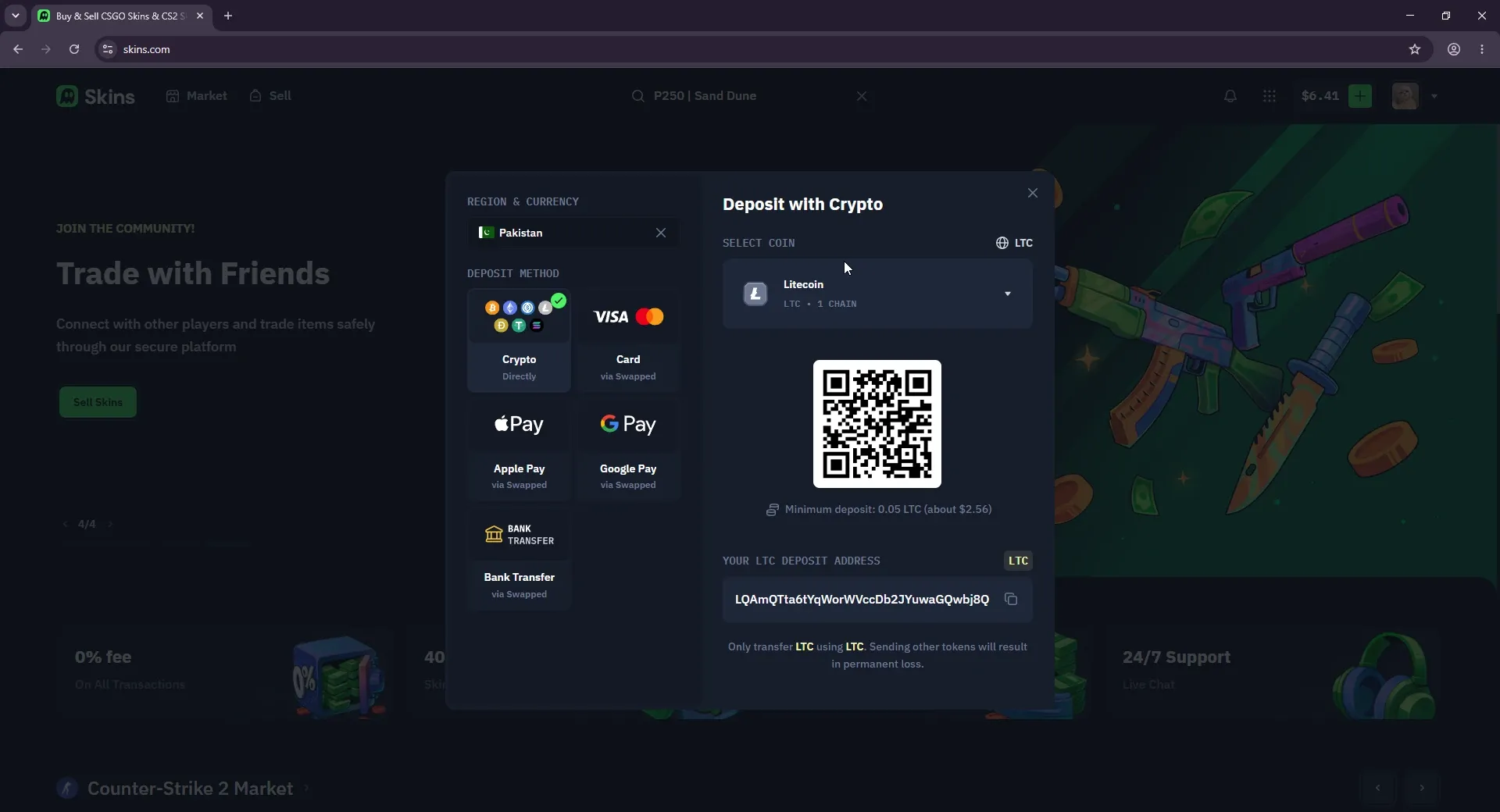
We deposited about 5 euros in Litecoin, and it landed as 6.41 US dollars of balance. That is more than the roughly 5.83 dollars the exchange rate gave that day, and we found no deposit bonus that explains the difference. If you are reading older write-ups, note that the claim that Skins.com is crypto-only is wrong. Card deposits are offered too, though we did not test them.
Buying Skins and Comparing Prices
Skins.com Prices vs CSFloat and Steam
One purchase says little about a site’s prices, so we price the same five items on every marketplace we review, in one session. The basket is a case and four skins from about 3 to 300 dollars, priced at the cheapest listing on each site in the same wear. Here is Skins.com against CSFloat, the Steam Community Market and Skinport, its closest rival.
| Item | Skins.com | CSFloat | Steam Market | Skinport |
|---|---|---|---|---|
| Dreams & Nightmares Case | $0.93 | $0.97 | $1.35 | $1.16 |
| AK-47 Slate (Well-Worn) | $3.18 | $3.09 | $4.39 | $3.37 |
| Desert Eagle Printstream (Field-Tested) | $33.81 | $32.19 | $47.00 | $34.04 |
| M4A1-S Hyper Beast (Field-Tested) | $118.92 | $111.07 | $160.83 | $110.52 |
| Flip Knife Doppler Phase 1 (Factory New) | $301.00 | $290.04 | $387.96 | $295.62 |
| Whole basket | $457.84 | $437.36 | $601.53 | $444.71 |
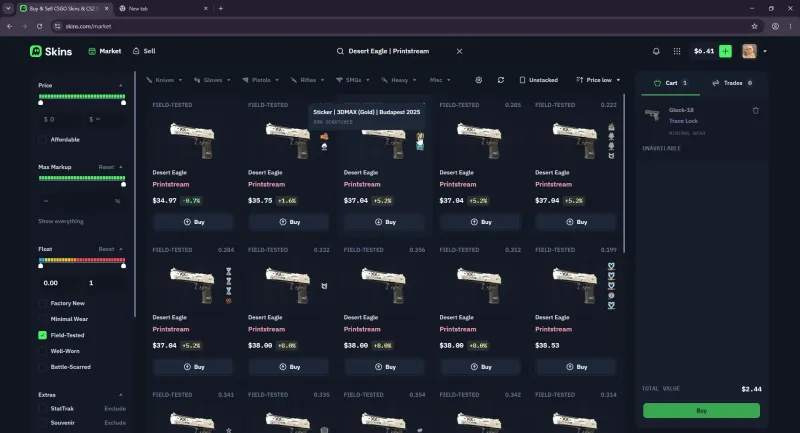
Skins.com had the cheapest case of all 16 sites we priced, 4.1% under CSFloat. The skins cost more: 2.9% on the AK-47, 5% on the Desert Eagle, 7.1% on the M4A1-S and 3.8% on the Flip Knife, so the whole basket came in 4.7% above CSFloat and 24% under Steam. An earlier spot check on other skins showed the same spread, close to CSFloat on an AK-47 Asiimov but 13% above it on a USP-S Kill Confirmed, so how competitive it looks depends a lot on what you buy. Our read is that the young market explains it: with fewer sellers competing, listings sit above the going rate, while the site itself takes no fee on either side. The buying flow itself was quick. Pick a listing, pay, and the bot fires a trade offer.
 Click to enlarge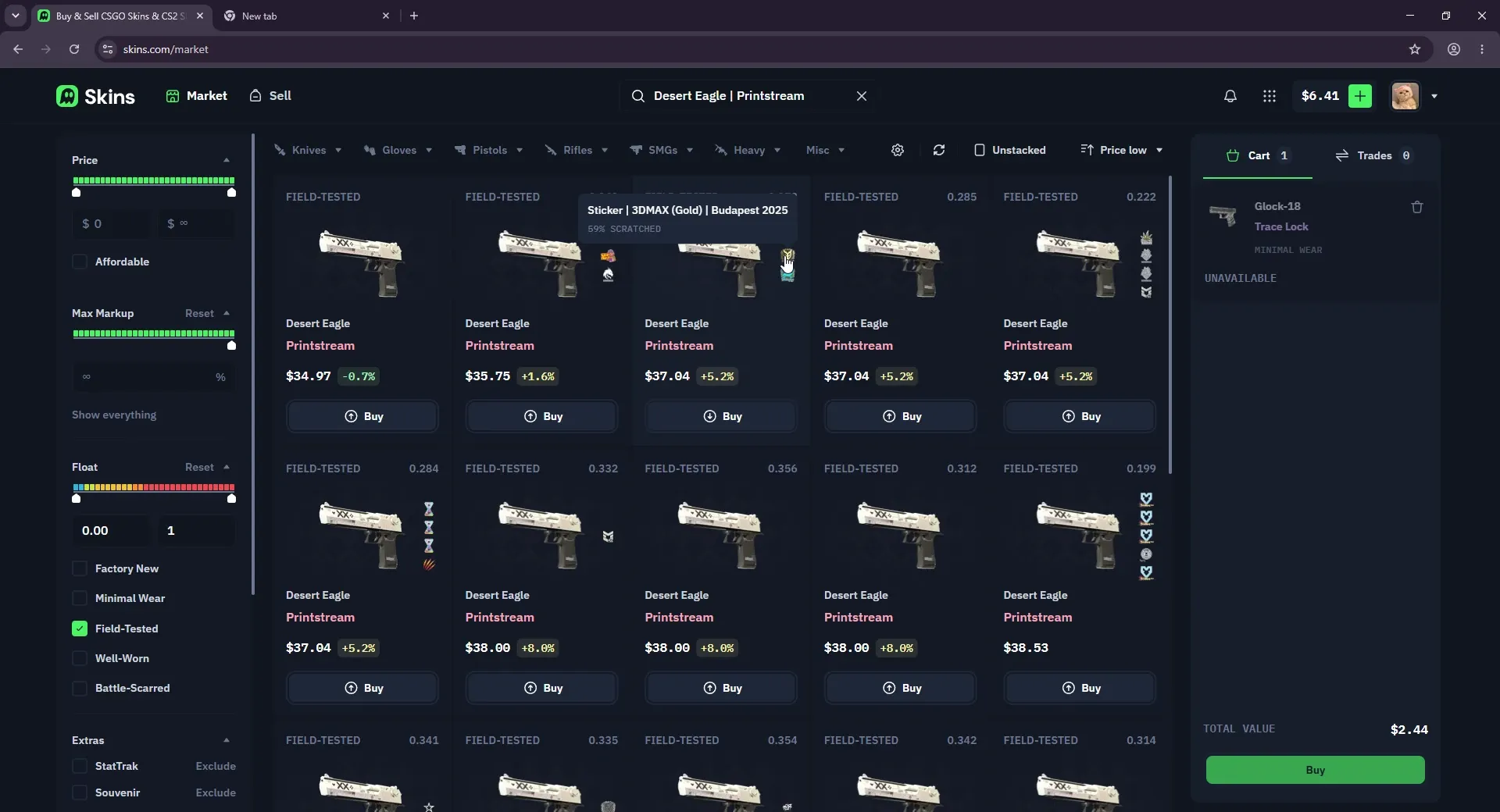
Our bigger complaint was not price, it was data. Float values were missing on a lot of listings, and there is no pattern ID shown at all. For most buyers float and pattern are part of the decision, and hiding them makes you trust the site instead of the skin. More on why the community finds that suspicious below.
Selling a Skin
To test the full loop we sold a skin too. We listed a Minimal Wear Desert Eagle Urban Rubble at 0.20 dollars and instant-sold it to a site bot, which credited 0.24 dollars to the balance.
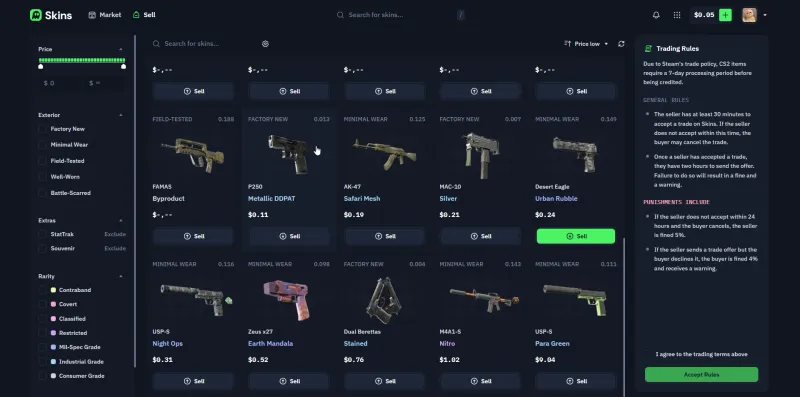 Click to enlarge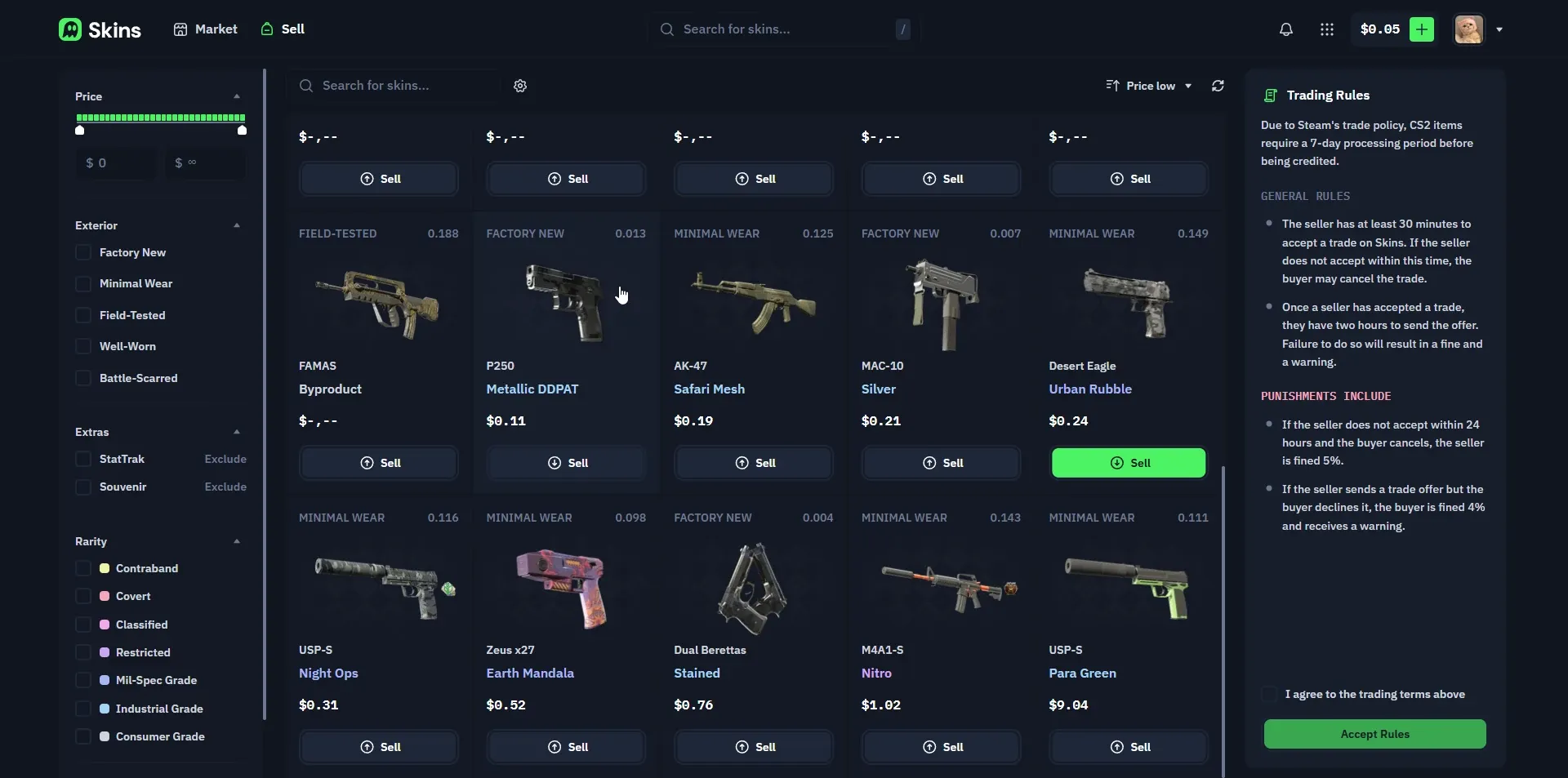
After accepting the trading rules, the skin shows up as a listed item with the price you set.
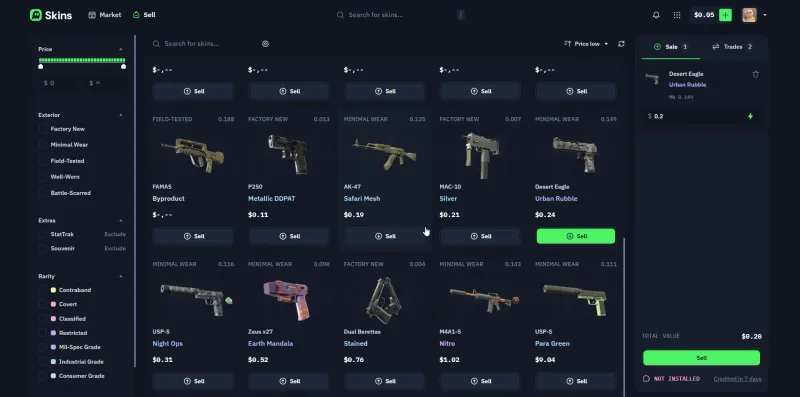 Click to enlarge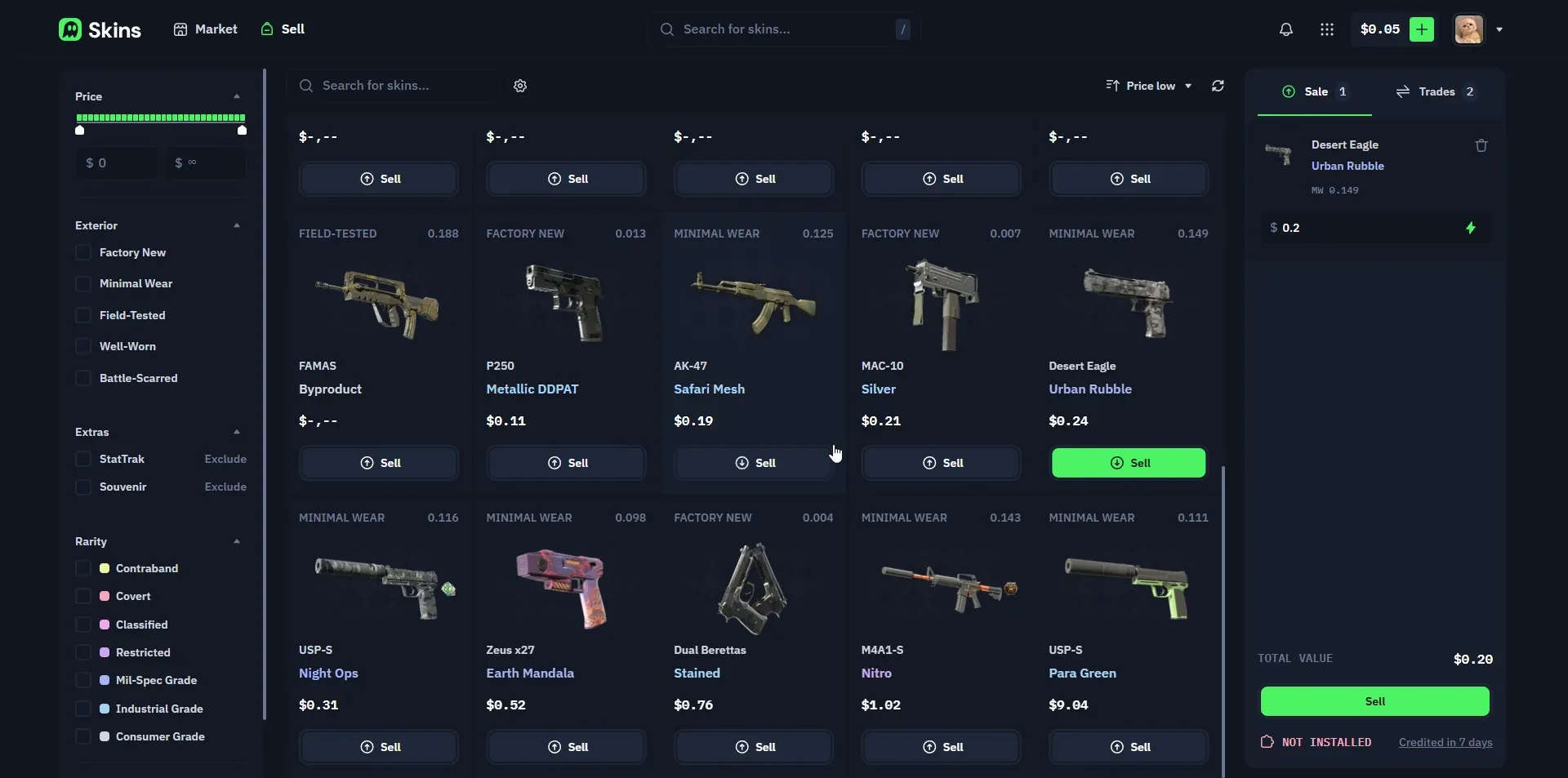
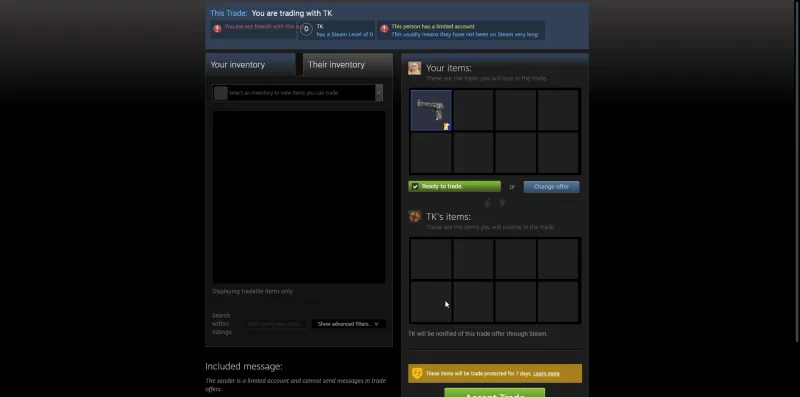
The site then sent a Steam trade offer for the skin, which you confirm in Steam exactly like any normal trade.
 Click to enlarge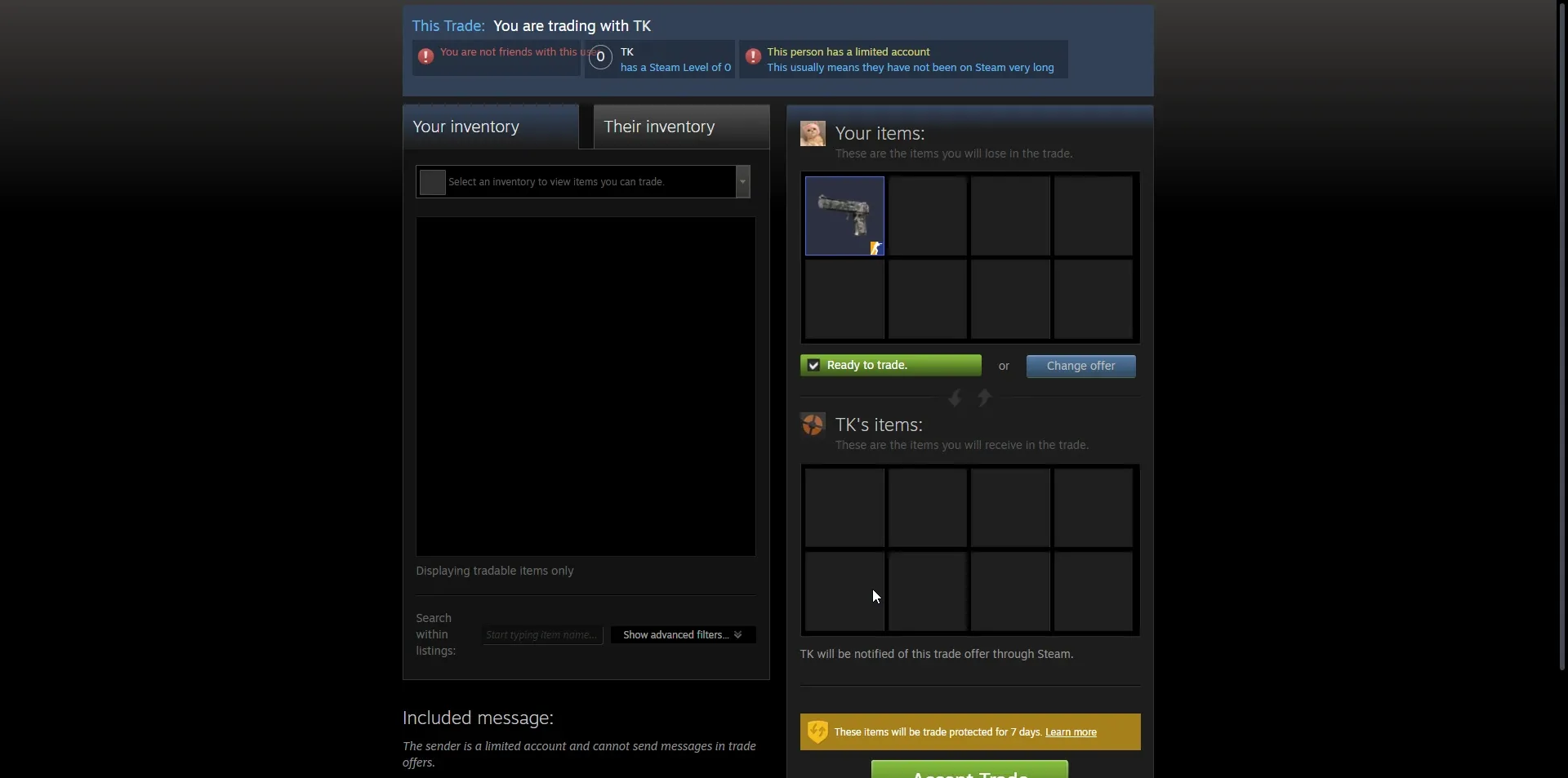
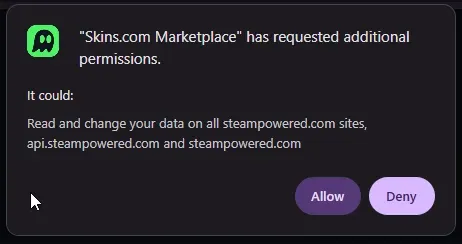
One step gave us pause. To sell, the site asks for a browser extension with Steam permissions. It is used to read your inventory and speed up trades, but granting a marketplace extension access to your Steam session is worth thinking about before you click allow.
 Click to enlarge
 How fast a listing sells is the other half of selling, and here the young market shows. We checked the sale history of three heavily traded items on October 5, 2026. The Dreams & Nightmares Case sold about 40 times in two hours on CSFloat and 10 times in four days on Skins.com. An AK-47 Redline (Field-Tested) sold 17 times in 11 hours on CSFloat, against 10 times on Skins.com between April 8 and August 14. A USP-S Torque (Field-Tested) sold 32 times in six days on CSFloat; on Skins.com its last sale was on May 30. If you list a skin here, expect to wait, or take the bot’s instant-sell quote.
The 7 Day Trade Hold Explained
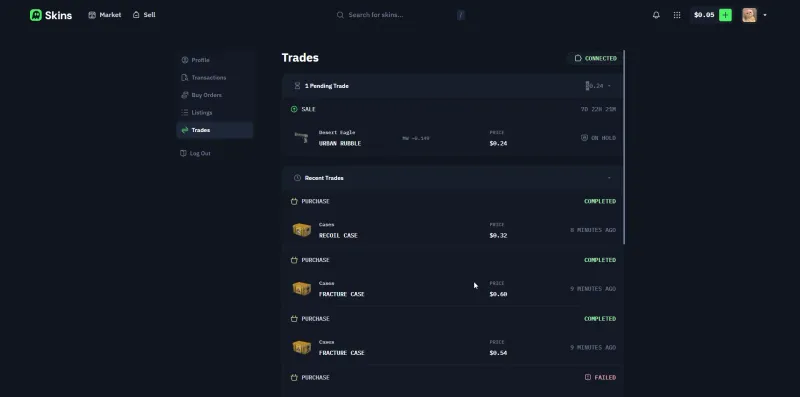
After the sale, the balance went behind a trade hold. This is the part people most often blame on a marketplace, but the hold comes from Valve, not from Skins.com.
 Click to enlarge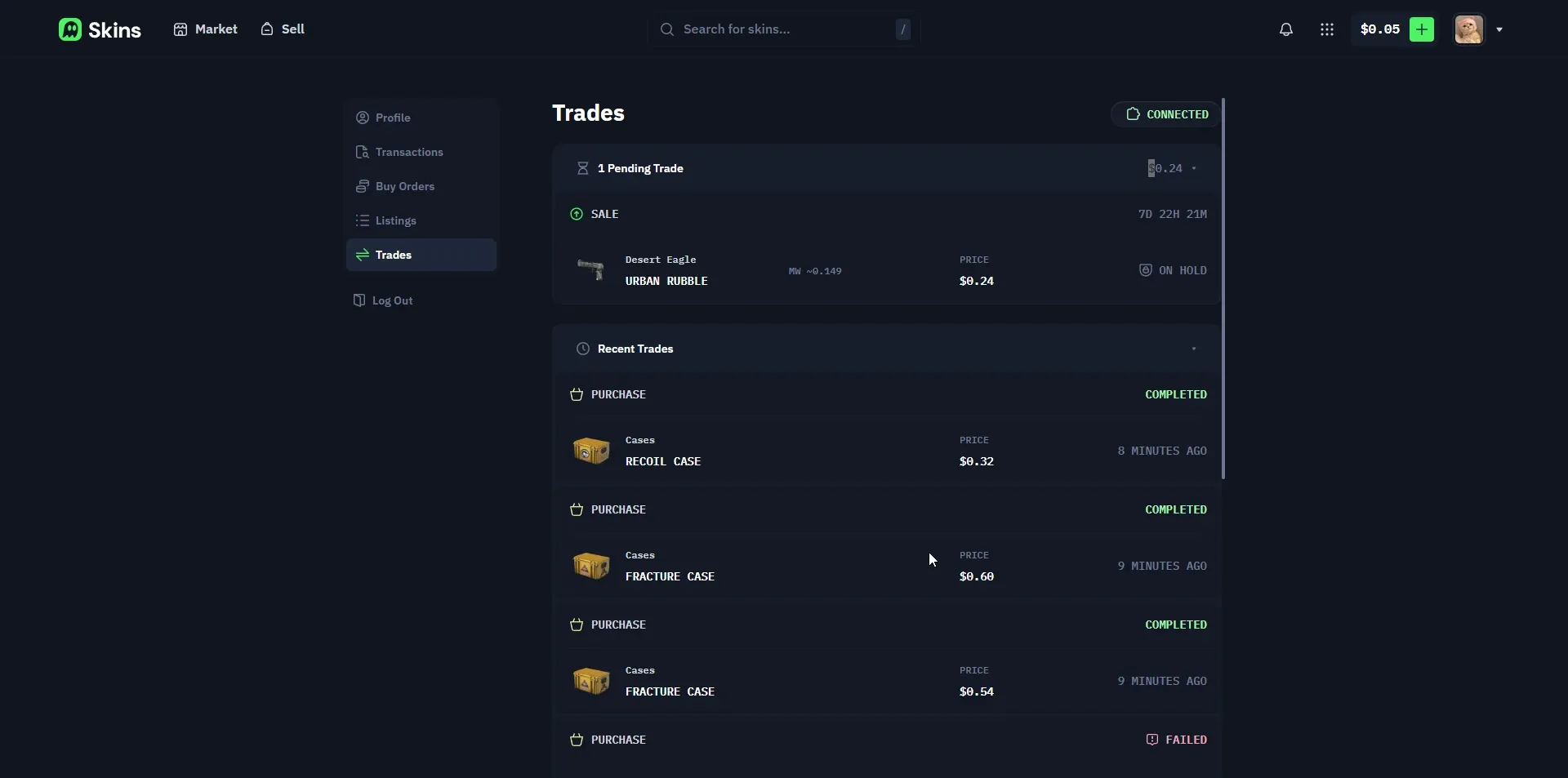
Steam marks the items from every trade as trade protected for 7 days, and the Steam Mobile Authenticator does not shorten that window. It exists to stop scammers from instantly draining a hijacked account. Almost every third-party marketplace lives with the same hold, so this is not a reason to single out Skins.com.
The Steam Mobile Authenticator does not skip this 7 day window, but you still want it: without it, Steam adds a separate trade hold on top. Valve explains the rules on the Steam trade holds support page.
Cashing Out: The 5 Dollar Minimum Catch
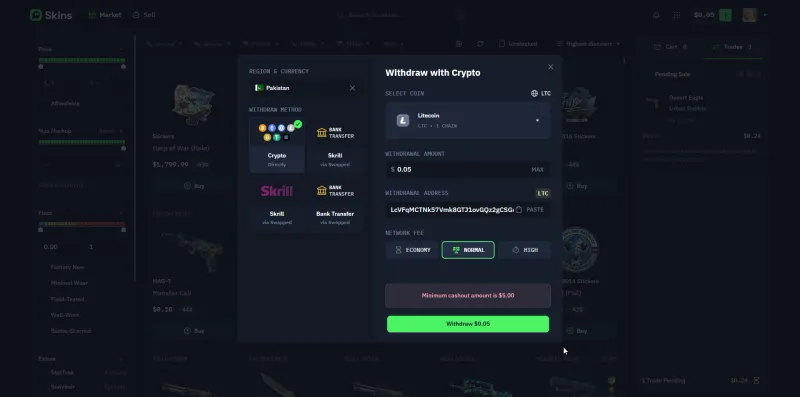
Withdrawals go out via crypto, Skrill or bank transfer, with a network-fee tier you pick (Economy, Normal or High). Bank transfer, Skrill and crypto withdrawals need no identity check; only SEPA asks for KYC. The real friction is the minimum cashout, which was 5 US dollars for Litecoin, the only method we checked. Support told us each withdrawal method has its own minimum.
 Click to enlarge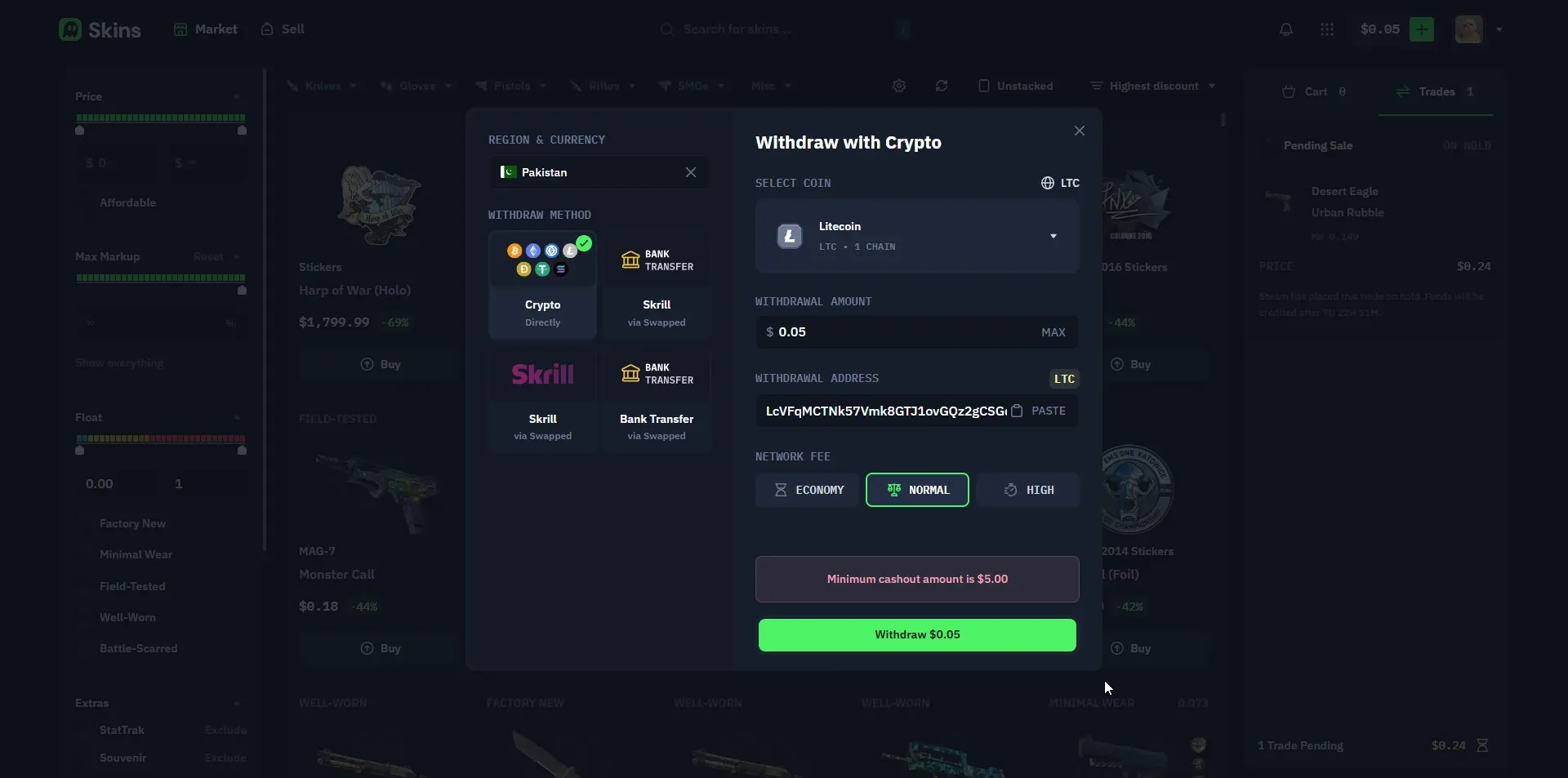
Because we only had 0.24 dollars of sale proceeds plus loose change, we could not withdraw at all. The money was not stolen, it was just stuck under the floor. If you plan to cash out, sell enough in one batch to clear the minimum (5 dollars on Litecoin), or you will be sitting on a balance you cannot move.
We could not time a payout ourselves for the same reason, One Trustpilot reviewer who cashed out in BTC, ETH and USDC reports withdrawals landing in 20 minutes to 1.5 hours. Treat that as one user’s experience, not our own measurement.
Fees Explained
Skins.com leans hard on the 0% message. From what we saw, that is honest for P2P trades, but the full picture has nuance.
| Action | What you pay |
|---|---|
| Buying a listed skin | Listed price, no extra fee |
| P2P selling | 0% marketplace fee |
| Instant-sell to a bot | No fee line, but a lower quote (the spread) |
| Withdrawal | Network fee tier, 5 dollar minimum on Litecoin |
The site makes its money on the gap between what it pays you for an instant-sell and what it relists the skin for. That is normal for instant-sell marketplaces, and it can run deep: on Skinflow, another instant-sell and cash-out site, we got back only 75 to 86 percent of a skin’s value that way. Just do not read 0% as 0% on everything.
Customer Support
We tested support on the withdrawal issue. First contact is an AI agent named Dave, which passed our withdrawal question straight to the team without trying to answer it. A human joined the live chat about a minute later, which is genuinely fast for a site this size.
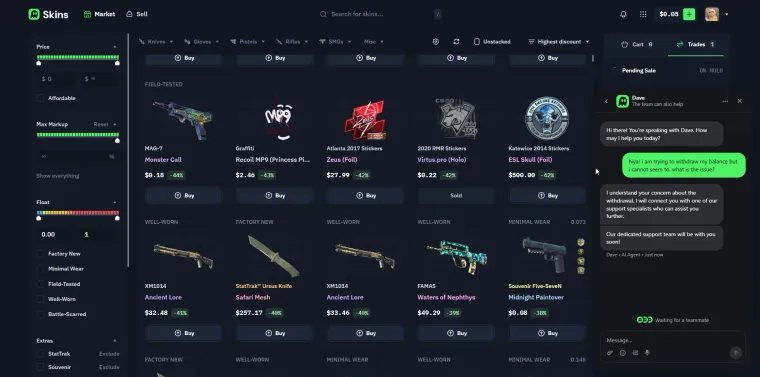 Click to enlarge AI agent Dave handles first contact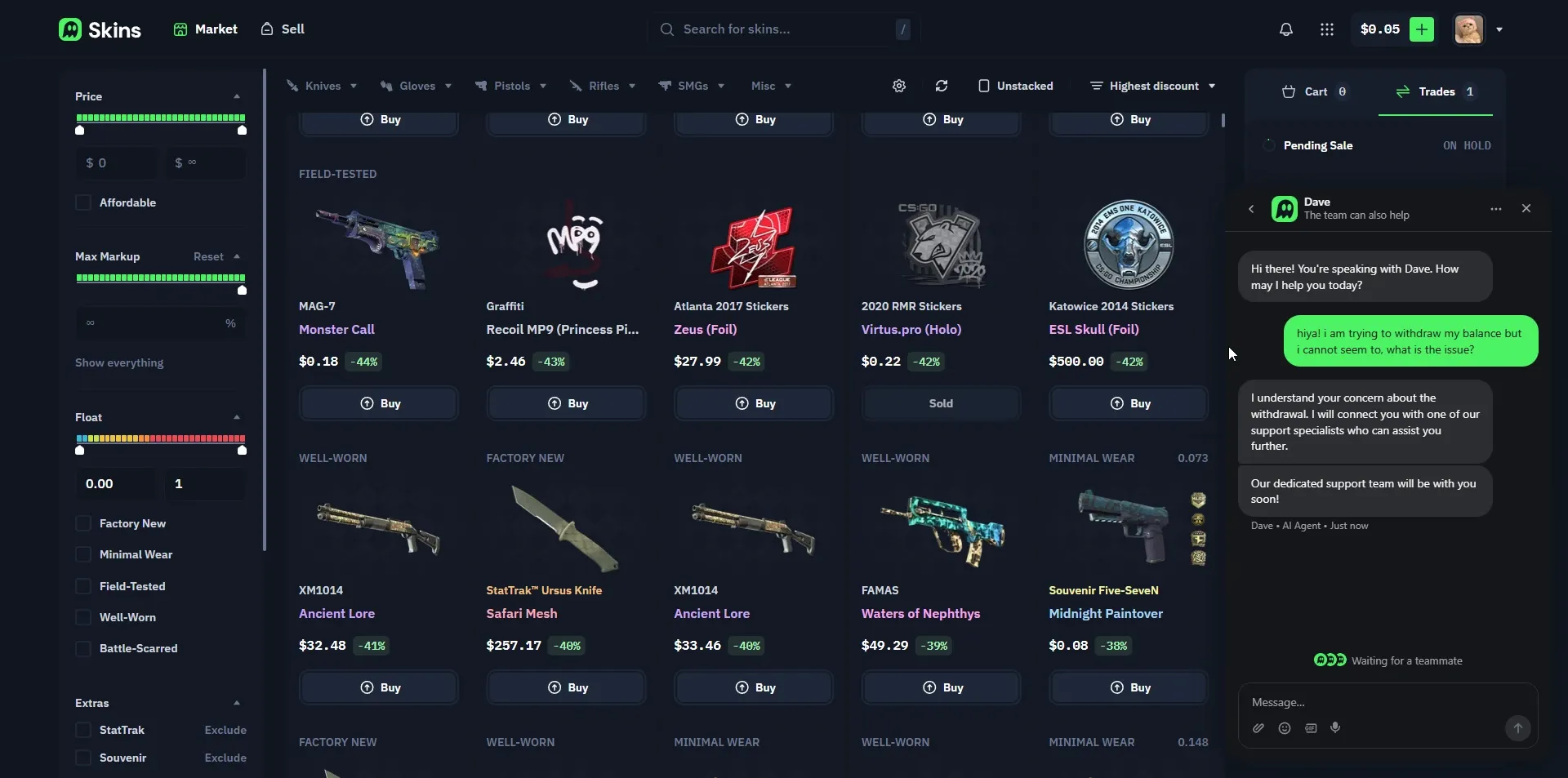
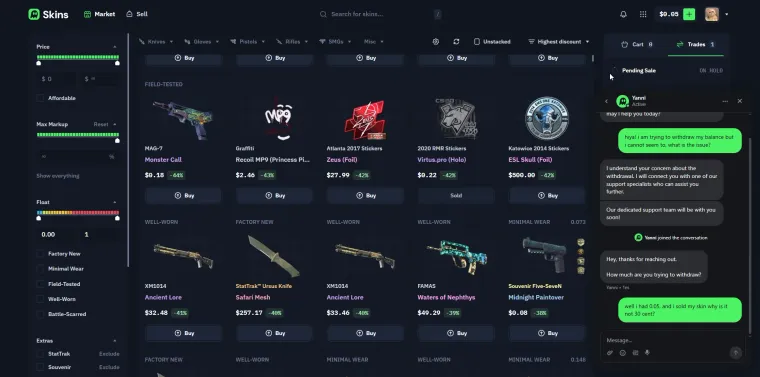 Click to enlarge A human joined about a minute later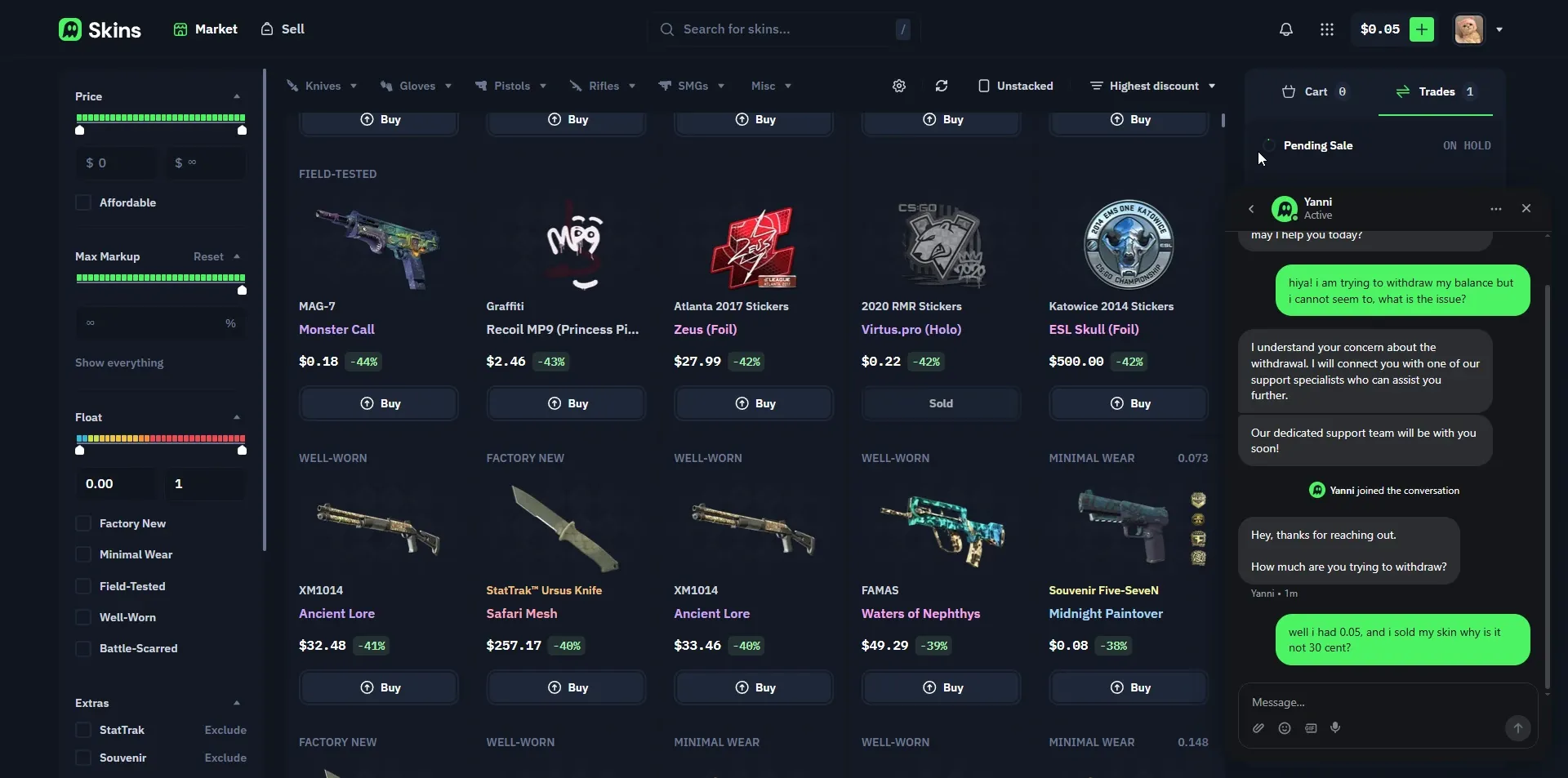
What Is Skins Pro
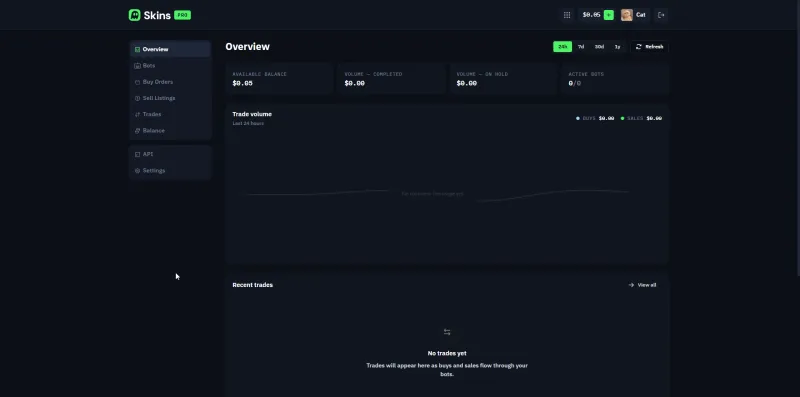
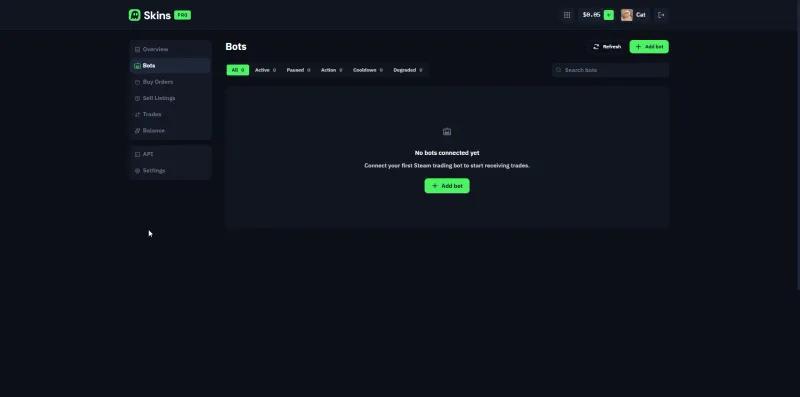
Skins Pro at pro.skins.com is a separate platform aimed at high-volume traders. It is an account-management and trading dashboard with buy orders, sell listings, bot connections, a balance view and an API.
 Click to enlarge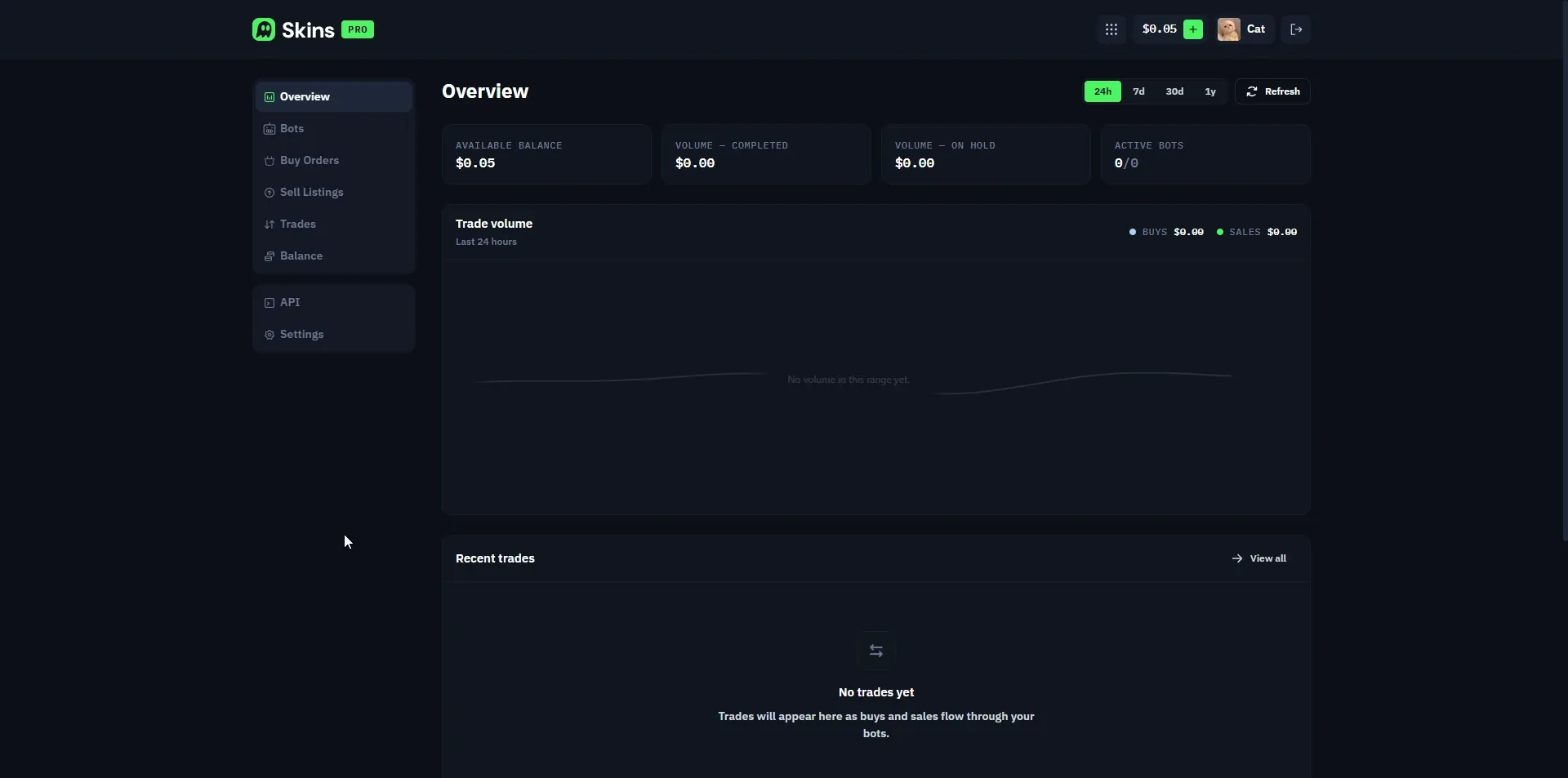
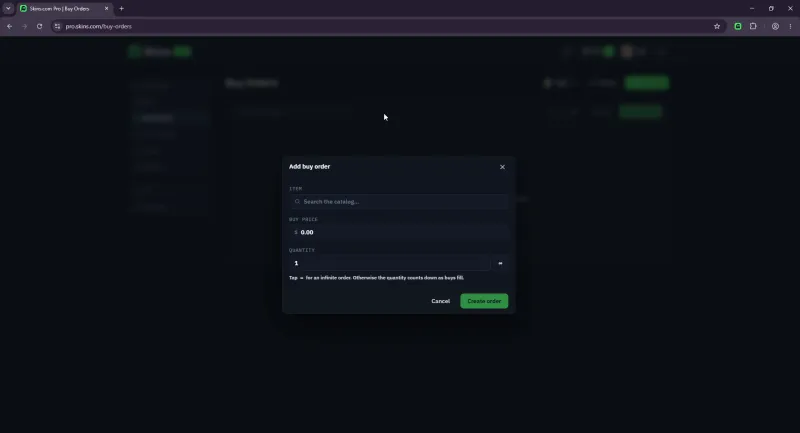
You can set automated buy orders to pick up skins at a target price, and connect your own bots to run bulk trading.
 Click to enlarge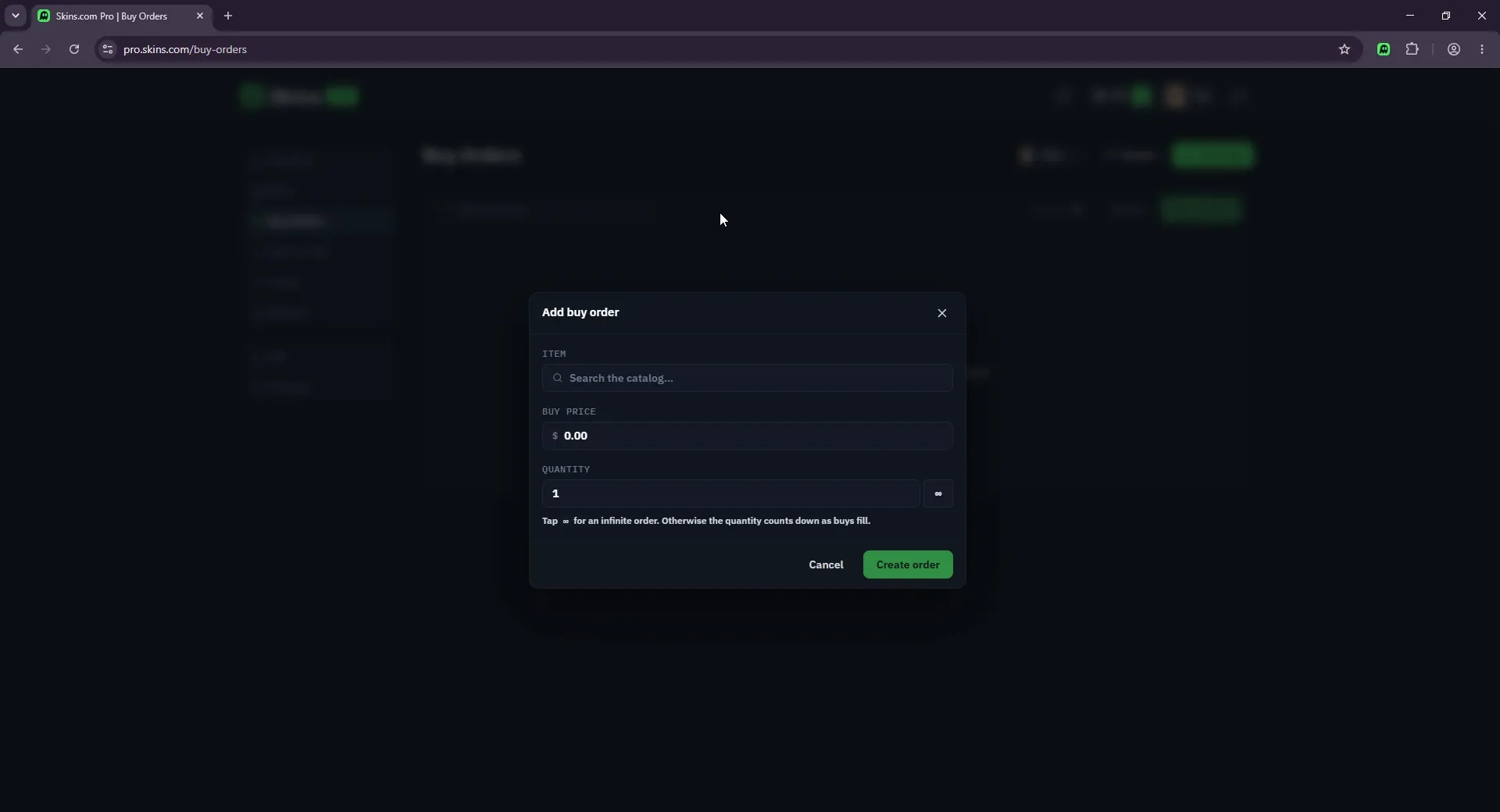
During our test no bots were connected, and the platform expects you to link plain Steam accounts as bots.
 Click to enlarge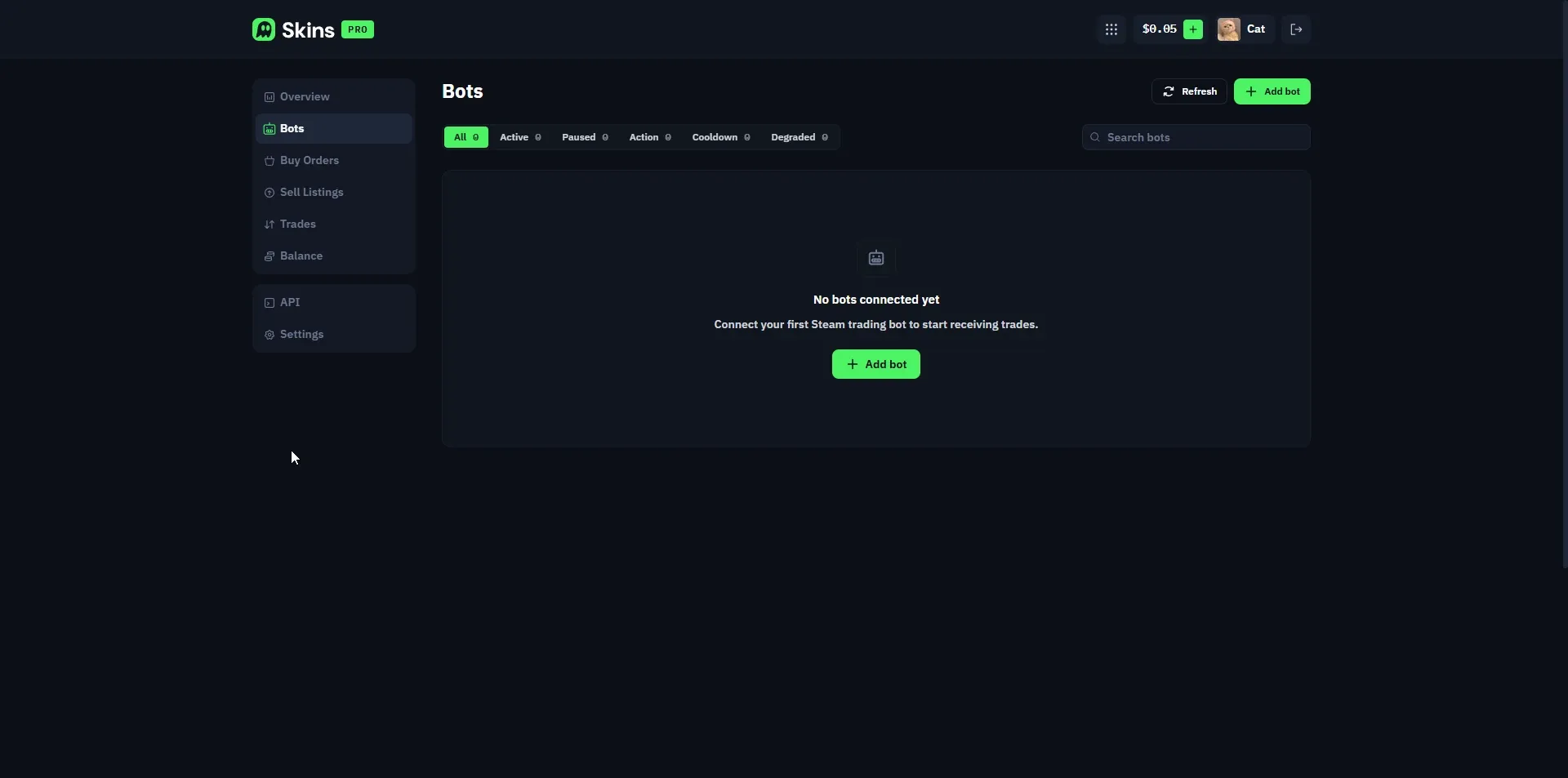
For a casual buyer or seller, Skins Pro is overkill. It is built for people moving large inventories, not someone selling one Deagle.
Skins.com Referral System
No, Skins.com does not run a public referral system. There is no referral code to share and no creator sign-up to fill in.
What it does instead is informal. The team takes on the occasional content-creation collaboration, approved case by case and only when they decide a creator is a good fit. If that is you, you reach out and they decide. For everyone else there is nothing to opt into, and our links in this review are plain, not referral links.
Is Skins.com Safe and Legit
In our testing it worked, and we did not get scammed. The trades went through Steam, the deposit landed and support answered. As of October 2026 its Trustpilot rating is 3.8 out of 5 from 103 reviews, with most reviews positive and a vocal minority unhappy. On Reddit, the angriest complaints we found were about P2P sellers who never sent items.
Here is our honest hot take. The thing that bugged us most was not any single feature, it was the missing float and pattern data combined with bots that are plain, level 0 Steam accounts rather than branded ones. None of that is proof of anything shady, but it is the kind of opacity that makes a careful trader uneasy.
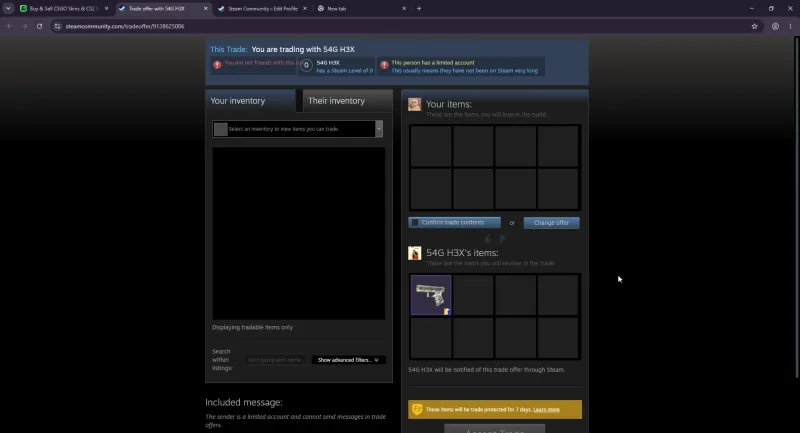
You can see it in the trade offer itself. Steam flags the sending bot as a limited account with a Steam Level of 0, and notes the items are trade protected for 7 days. Established marketplaces usually run recognisable, higher-level bots, so this is a fair thing to be wary of even if the trade goes through fine.
 Click to enlarge The sending bot is a limited, Level 0 Steam account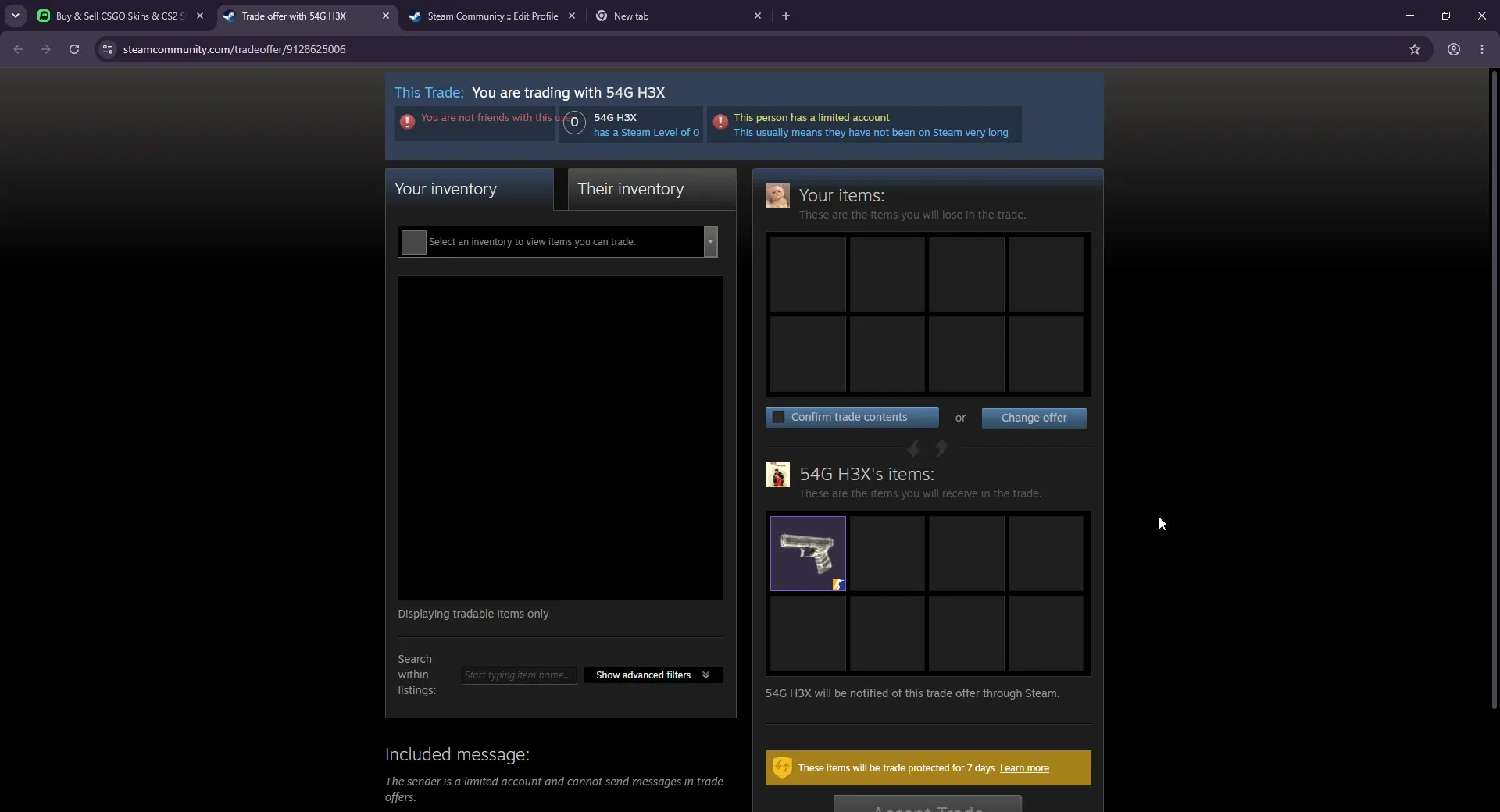
Whatever marketplace you use, protect your account. Enable the Steam Mobile Authenticator, never type your Steam password anywhere but Steam, and inspect every trade offer before confirming. Our guide on how to not get scammed in CS2 walks through the common traps.
What CS2 Players Say
Public opinion on Skins.com is genuinely split, so we will not pretend otherwise. The loudest community theory ties directly to the missing float and pattern data we flagged.
“0% fees is extremely hard to maintain for a new site unless they have a huge supply like gambling money. Pattern, seller profile and float are hidden for most skins, which makes them harder to trace to their source.”- u/ozorhanreformed on r/csgomarketforum (86 upvotes)
That is a theory, not a proven fact, and we present it as one. But it independently matches what we saw with our own eyes. On the other side, there are real, successful cashouts:
“I withdrew balance from there last week. You don’t need a Stripe account to cash out, it’s just a payment gateway.”- u/Automatic-Metal5878 on r/cs2
And many of the angriest complaints trace back to P2P seller inactivity, not the platform stealing from anyone:
“It’s strictly a problem with p2p, sometimes sellers are inactive for the period they have to send the items. Skins.com is a good site.”- u/MushroomMan69-420 on r/ohnePixel
As we read it, the worst-case stories are mostly inactive P2P sellers, which you avoid by buying from active listings or instant-selling to bots. The deeper suspicion about sourcing is unproven, but it is the reason we cannot give the site full marks yet.
Skins.com vs Other Marketplaces
| Skins.com | CSFloat | Steam Market | |
|---|---|---|---|
| P2P fee | 0% | Around 2% | Around 15% |
| Cash out | Yes | Yes | No (Steam wallet only) |
| Float data | Often missing | Full transparency | Limited |
| Catalog size | Smaller | Large | Huge |
| Track record | Since 2025 | Since 2020 | Since 2012 |
If you want the full breakdown of the most-trusted option, read our CSFloat review.
For another newer marketplace we put real money through, see our HaloSkins review, which sits well under Steam on price but ties you to crypto withdrawals.
Pros and Cons
What we liked:
- Competitive prices, well under Steam, and the cheapest case of all 16 sites we priced
- Fast instant trades, the speed was our favorite part
- True 0% fee on P2P selling
- Quick support, a human within minutes
- Both crypto and card deposits
What held it back:
- Float values missing on many listings, no pattern ID at all
- Small catalog, we could not find specific skins we wanted
- No haggling, cheap skins a few cents apart are out of reach
- Bots are plain, level 0 Steam accounts, which looks sketchy
- The 5 dollar Litecoin withdrawal minimum traps small balances
How to Get Started
- Go to Skins.com and log in with Steam.
- Make sure the Steam Mobile Authenticator is enabled on your account.
- Deposit with crypto or card. Small test amounts work fine.
- Buy a listing, or list your own skin and instant-sell to a bot.
- Confirm the Steam trade offer, and inspect it before you accept.
- Sell enough to clear the withdrawal minimum (5 dollars on Litecoin) before you try to withdraw.
Want to try it yourself?
Visit Skins.comFinal Verdict
Skins.com is a legit, working marketplace with competitive prices and fast trades. It is not a scam, and the reportedly 1.2 million dollar domain plus our clean hands-on test back that up. But it is young, the catalog is thin, float and pattern data is missing too often, and the community’s sourcing questions are not fully answered. The 7 day hold is Steam’s rule and the 5 dollar Litecoin minimum is standard for a payout floor, so neither is unique to Skins.com.
Our rating: 3.7 out of 5. Worth using for a good price on a skin you can actually find, and worth watching as it matures. For now, if you want maximum trust and stock, CSFloat is still the pick.
Have questions about a specific skin or marketplace? Join our CS2 Central Discord where 25,000+ traders compare prices and call out scams.
FAQ
Is Skins.com legit?
Yes. Based on our hands-on testing, Skins.com is a real CS2 marketplace where you can buy and sell skins. We deposited money, bought a skin, sold one to the site, and the trades went through Steam normally. It launched in April 2025 and is operated by 99 HP Tech Limited in Hong Kong. It is not a gambling site.
Is Skins.com safe to use?
It is functional and we did not get scammed during testing, but it is young and lightly reviewed. Its Trustpilot rating is 3.8 out of 5 from 103 reviews as of October 2026. The bots that send your skins are plain, low-level Steam accounts rather than branded ones, which looks sketchy at first. Use the Steam Mobile Authenticator and double-check every trade offer before you confirm.
Does Skins.com really have 0% fees?
On peer-to-peer trades, yes, we paid no marketplace fee. The catch is the instant-sell to the site bot, where the price you get is set by the site and is lower than a patient P2P listing. There is no fee line, but the spread is where the site earns its margin.
Is Skins.com cheaper than CSFloat or Steam?
Much cheaper than Steam, and a few percent above CSFloat. On our five-item price basket from October 2026, the whole basket cost 4.7% more on Skins.com than on CSFloat and 24% less than on the Steam Community Market. It had the cheapest case of the 16 sites we priced, and the skins cost 3 to 7% more than on CSFloat.
Why is there a 7 day hold on my skins?
That hold comes from Steam, not Skins.com. Steam marks the items from every trade as trade protected for 7 days, and the Steam Mobile Authenticator does not shorten that. It applies across almost every third-party marketplace, so it is not a Skins.com flaw.
What is the minimum withdrawal on Skins.com?
The minimum cashout for Litecoin, the method we checked, is 5 US dollars, and support told us each withdrawal method has its own minimum. During our test we sold a cheap skin for 0.24 dollars and could not withdraw it, because the balance sat under the 5 dollar floor. Plan to sell enough in one go to clear that minimum.
What payment methods does Skins.com accept?
Both crypto and cards. You can deposit with LTC, USDT, USDC, BTC, ETH, BNB, SOL, TRX and POL directly, or with Visa, Mastercard, Apple Pay, Google Pay and bank transfer routed through a processor called Swapped. Withdrawals go out via crypto, Skrill or bank transfer.
Is Skins.com better than CSFloat?
For us, no, not yet. Skins.com prices are competitive and the instant trades are fast, but the catalog is much smaller, float and pattern data is missing on many listings, and there is no haggling. CSFloat has more stock, a longer track record and full float transparency. Skins.com is worth watching, but CSFloat is the safer pick today.
What is Skins Pro?
Skins Pro is a separate account-management and trading platform at pro.skins.com aimed at high-volume traders. It has buy orders, sell listings, bot connections and an API, so you can run bulk trading. Most casual buyers and sellers will never need it.
Does Skins.com require KYC or identity verification?
During our hands-on test we logged in with Steam and deposited, bought and sold without any identity verification step for small amounts. Withdrawals by bank transfer, Skrill or crypto need no KYC either; only SEPA withdrawals ask for it. Card and bank deposits run through a third-party processor called Swapped, which may apply its own checks on larger payments.
Does Skins.com have a promo or referral code?
We deliberately do not use a referral or promo link in this review, so the link here is plain. If you see Skins.com promo codes floating around, they are usually from referral programs or giveaways. Be cautious with codes sent by strangers in DMs, since that is a common scam vector.
What countries is Skins.com available in?
We tested it from Pakistan, deposited in Litecoin and hit no region block, logging in through Steam. Availability mostly comes down to which payment methods work in your country, since deposits and withdrawals route through the Swapped processor. If a card method is unavailable, crypto is the fallback almost everywhere.
Does Skins.com have an affiliate program for creators?
Not a formal one. Skins.com has no public affiliate or referral program you can sign up for. It instead does the occasional content-creation collaboration that its team approves case by case, only when a creator is a good fit. There is no set rate and no open application.
Further Reading
- CSFloat review, our deep dive on the most-trusted CS2 marketplace
- How to not get scammed in CS2, the traps every trader should know
- Steam Desktop Authenticator guide, set up 2FA and clear trade holds faster
